


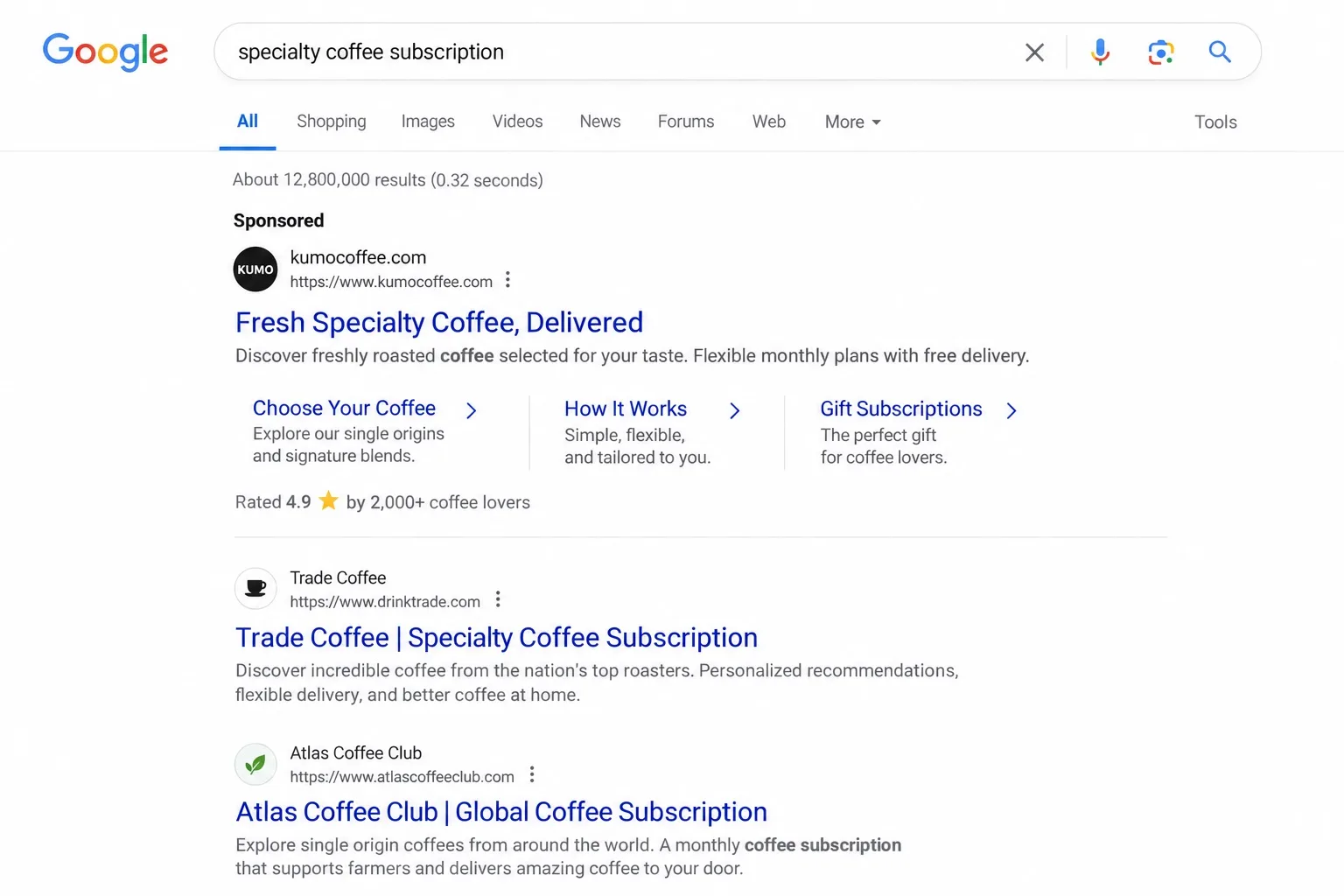


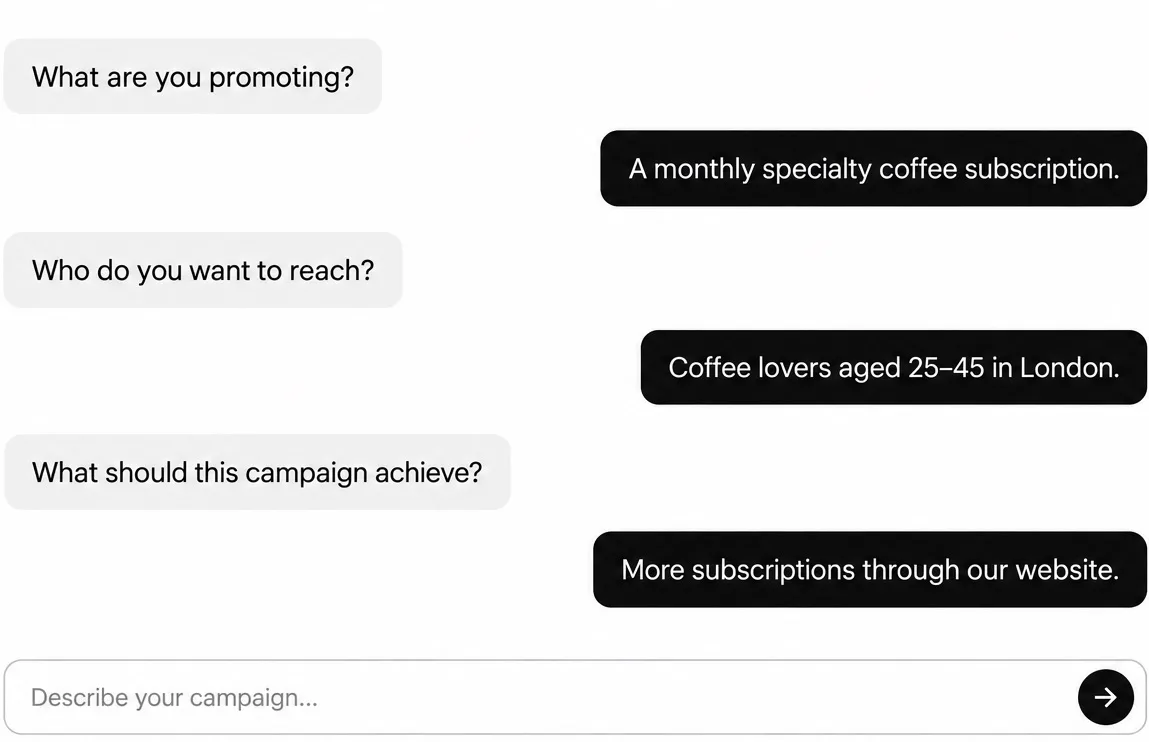




Describe your business, offer, ideal customer, and target location. Runable asks follow-up questions when it needs more information.
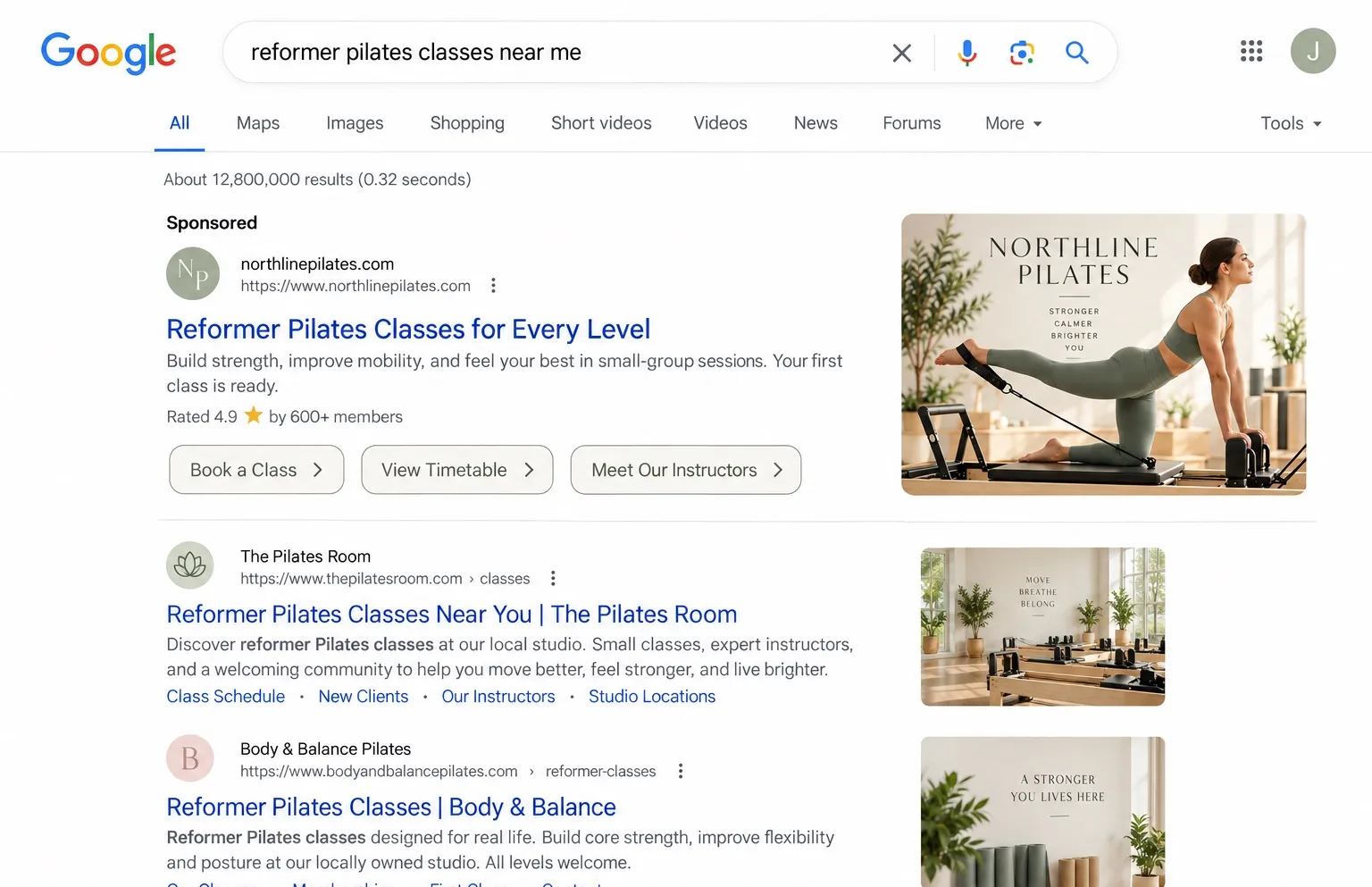
Get found when customers search on Google
Describe your offer. Build Search, image, and video campaigns, review your ads, and track results in one workspace.
Launch your Google campaign in 5 simple steps
Set your budget
Choose your spend and campaign duration. Adjust your budget or pause the campaign whenever you need to.
Connect your Google Ads account
Connect your existing Google Ads account. Review the settings and advertisements before anything goes live.
Describe the campaign you want
Describe your offer, ideal customer, objective, location, and website. Runable helps identify searches relevant to your business.
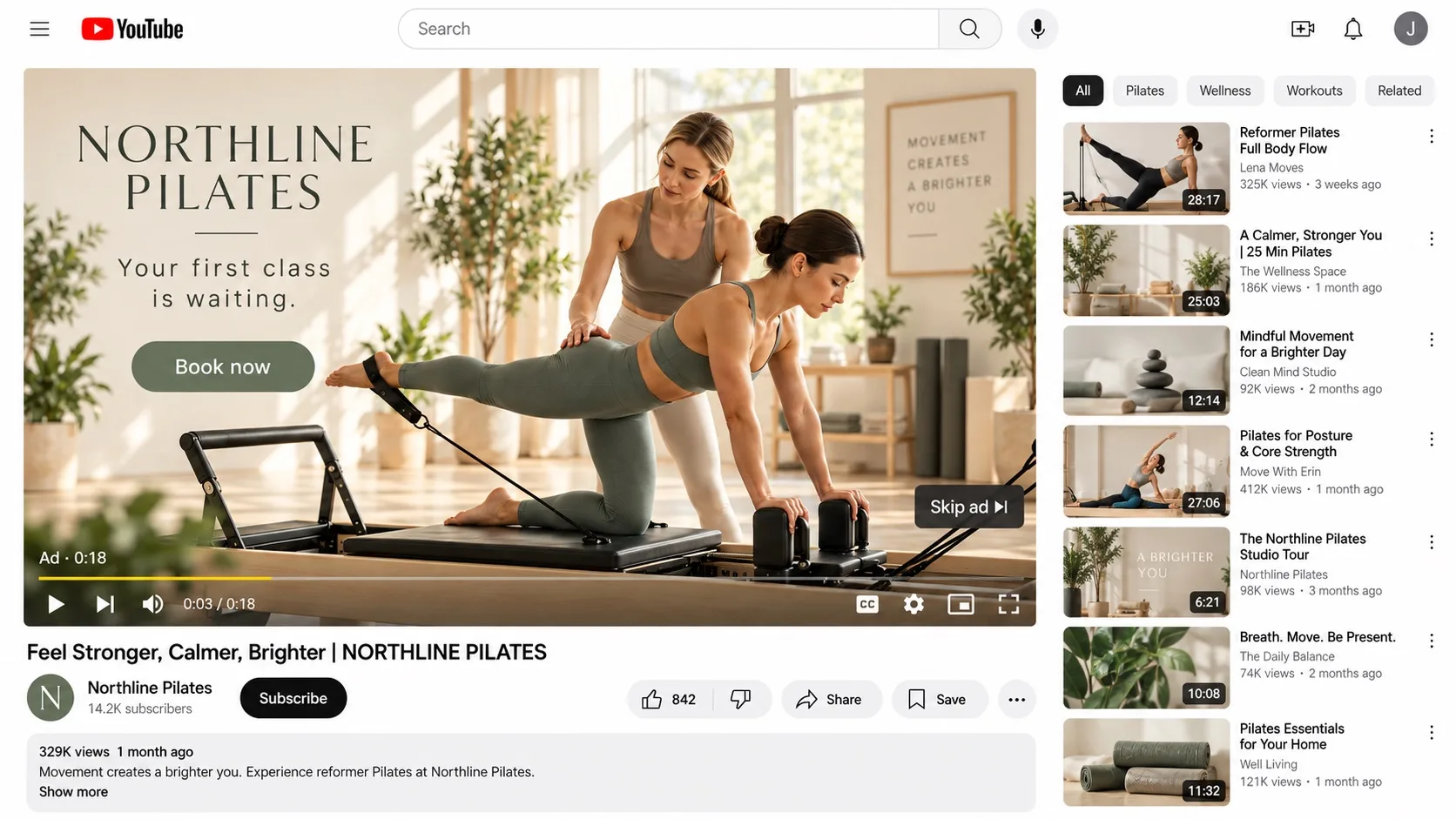
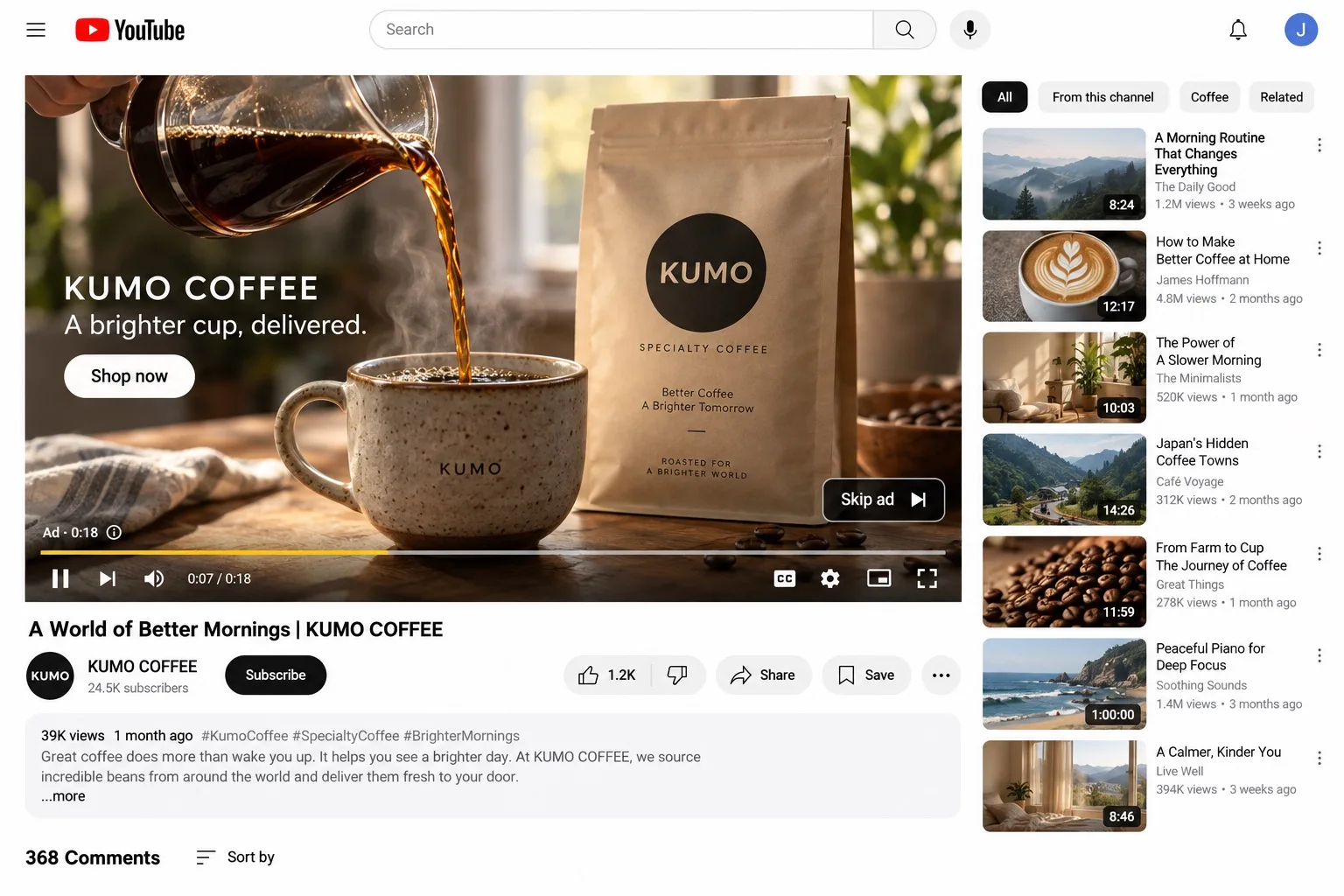
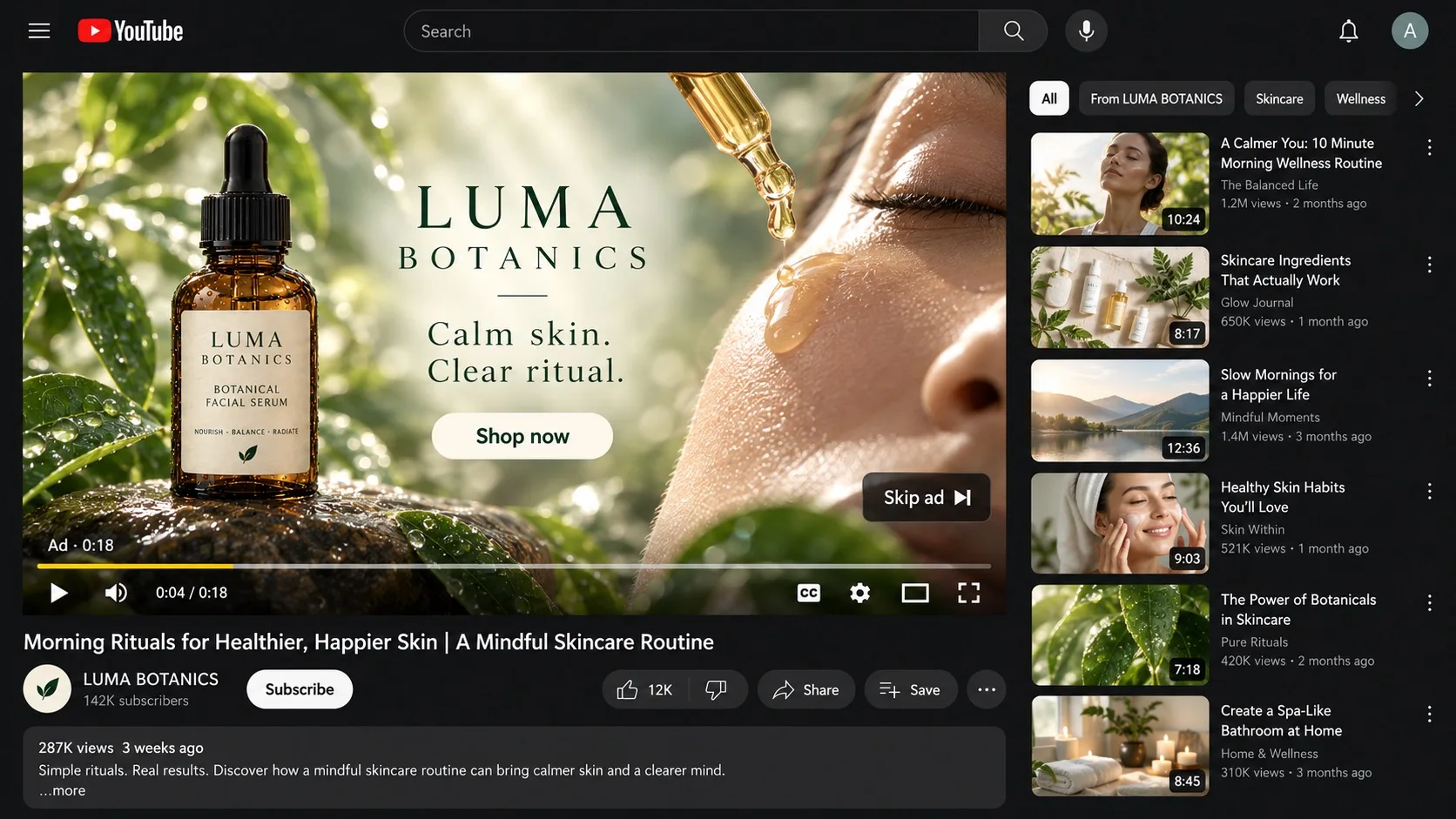
Get Search, image, and video ads ready to launch
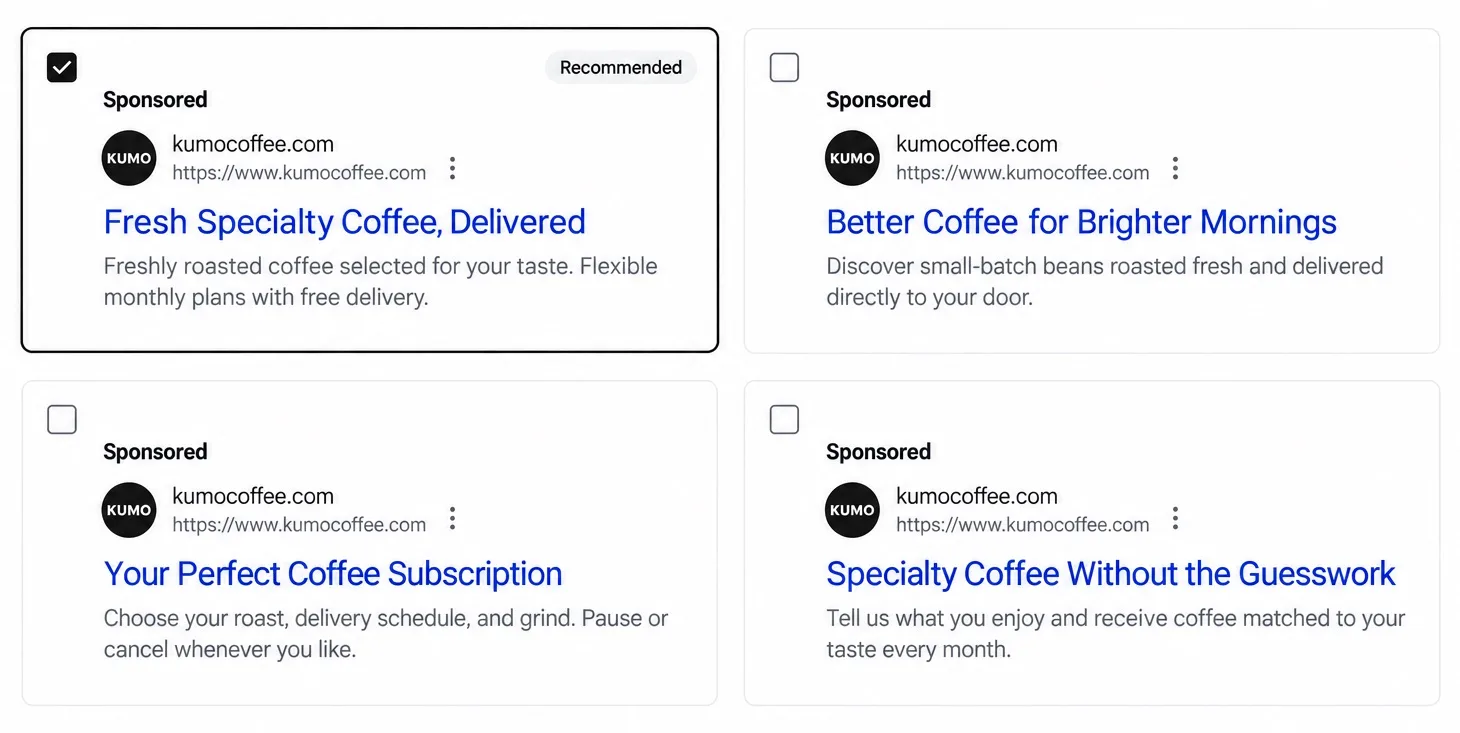
Review Search, image, and YouTube ads in one place. Choose your creative and request changes before launching.
See what’s driving results
Track spend, website visits, and ad performance in one dashboard. See which searches and creative drive results.
Frequently asked questions
Connect your existing Google Ads account so Runable can prepare the campaign in the correct account.
Review your campaign copy and creative, choose your preferred options, and request changes before launching.
You can adjust your budget, update the schedule, or pause your campaign whenever you need to.